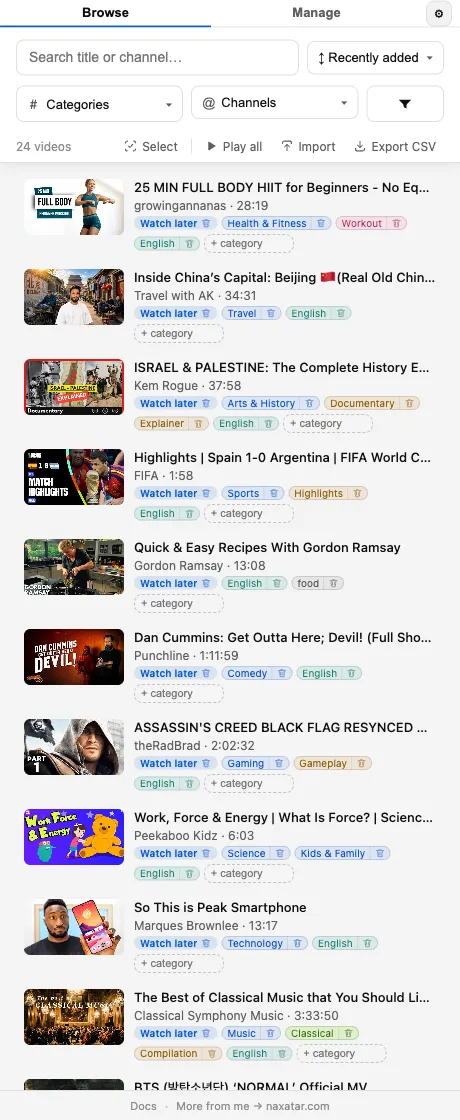
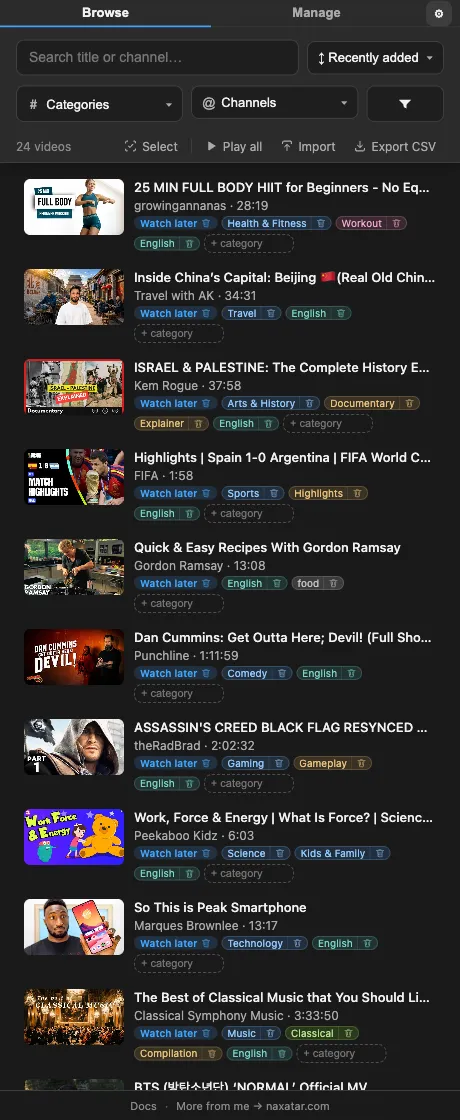
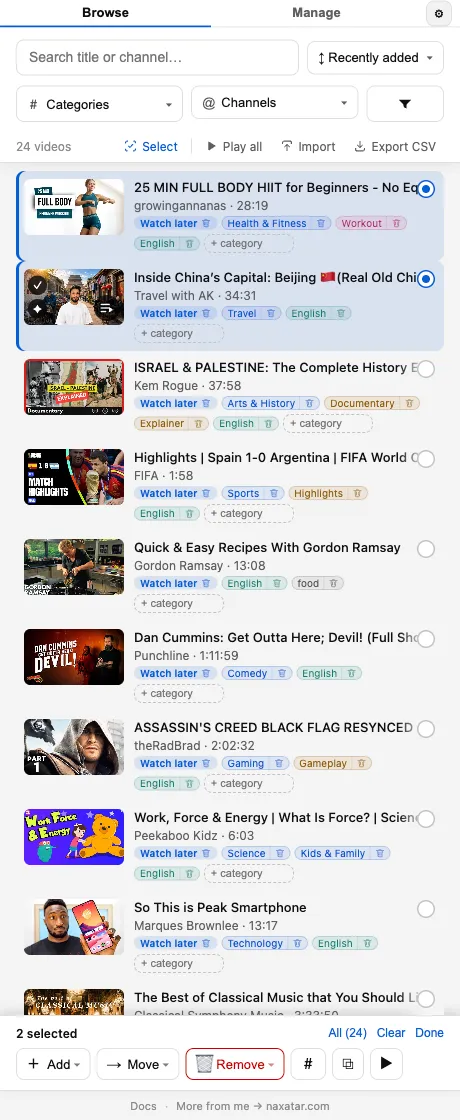
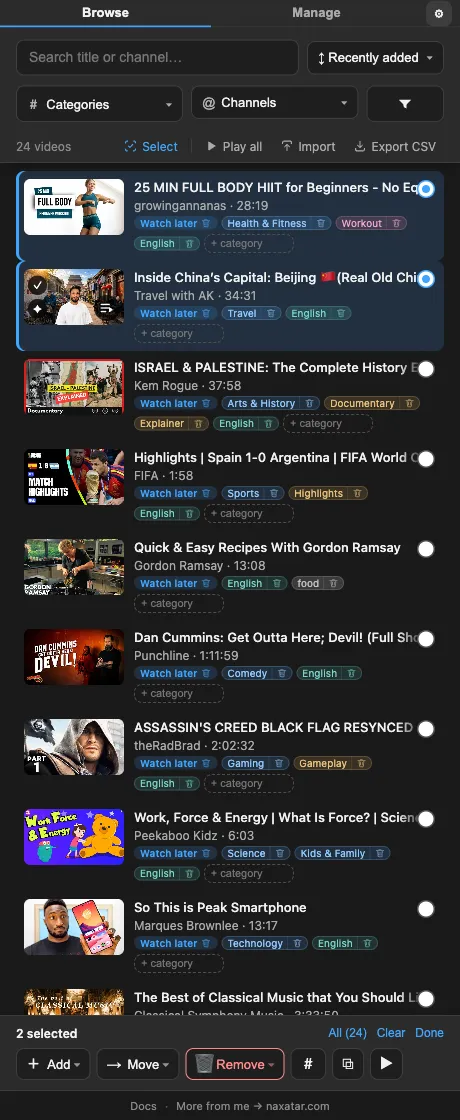
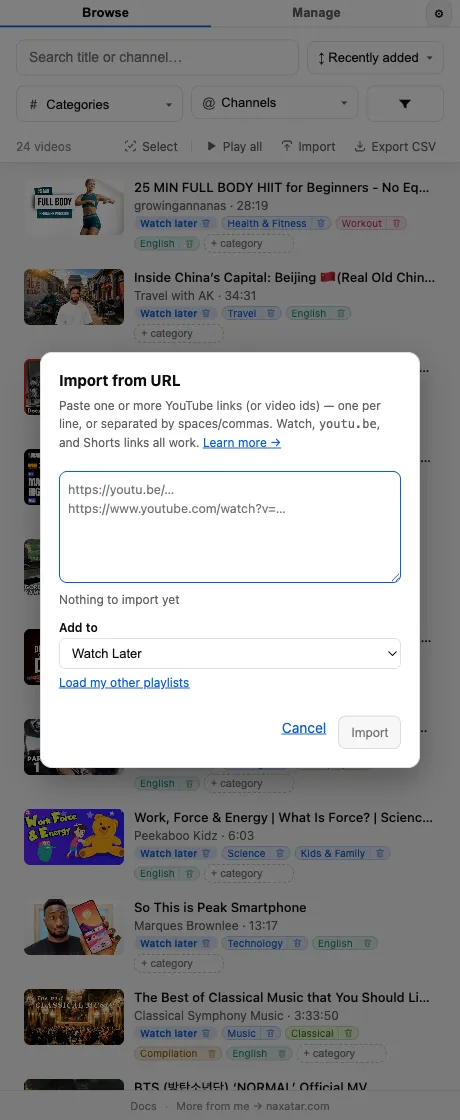
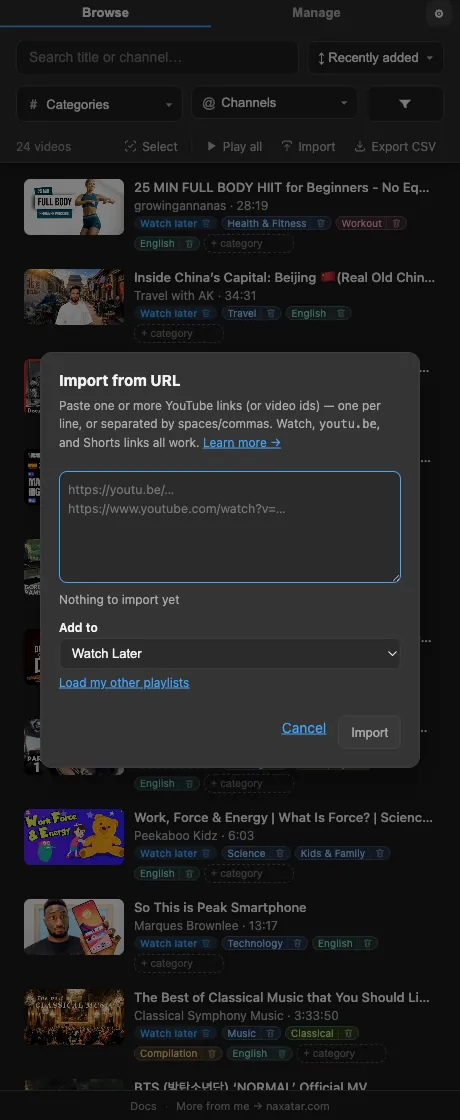
The search box in Browse matches across every scanned video by title and channel. Results update as you type. Since 1.34.0 it also offers the filters your words name: while the field has focus, the matching categories, playlists, channels and More filters values appear as a row of chips in place of the filter pills. Click one to filter by it, or Shift-click to hide it, and the word moves out of the search and into that filter. “All” lists every match by kind; from the keyboard, the down arrow reaches the chips and Enter picks one. Matching ignores case and accents, so “musica” finds “Música”.
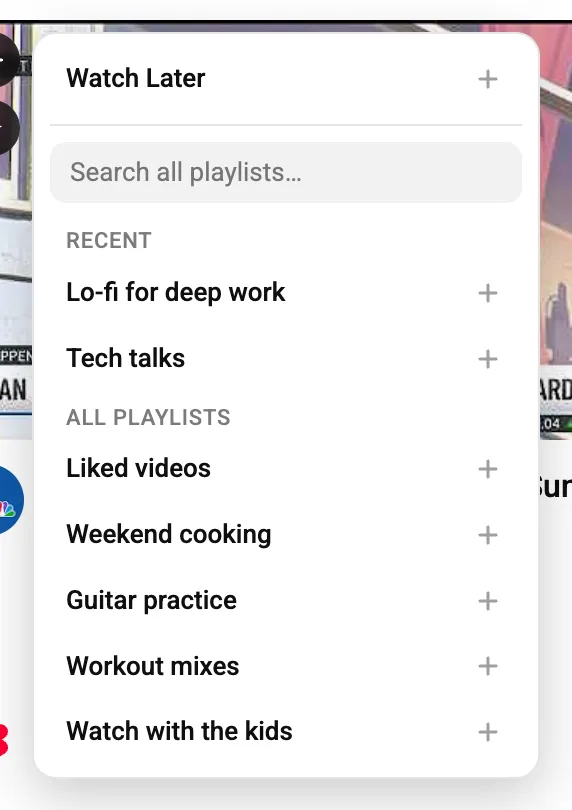
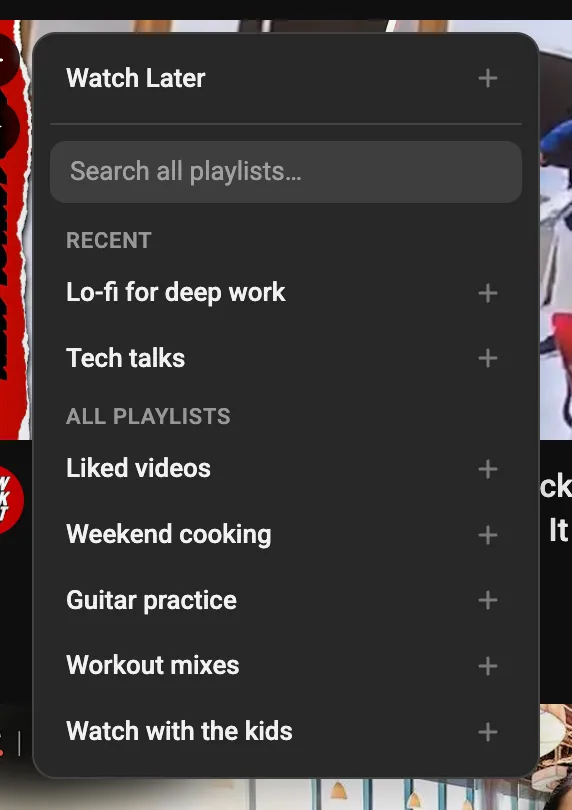
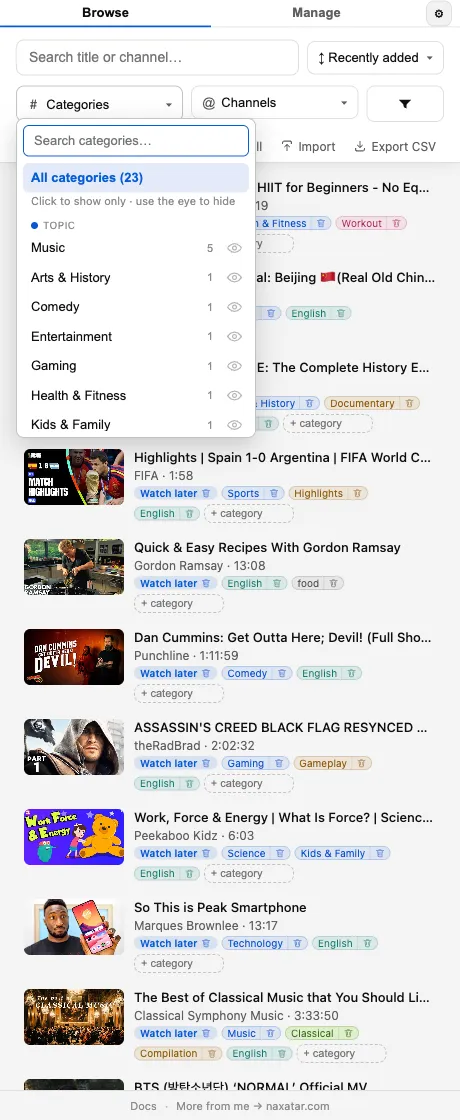
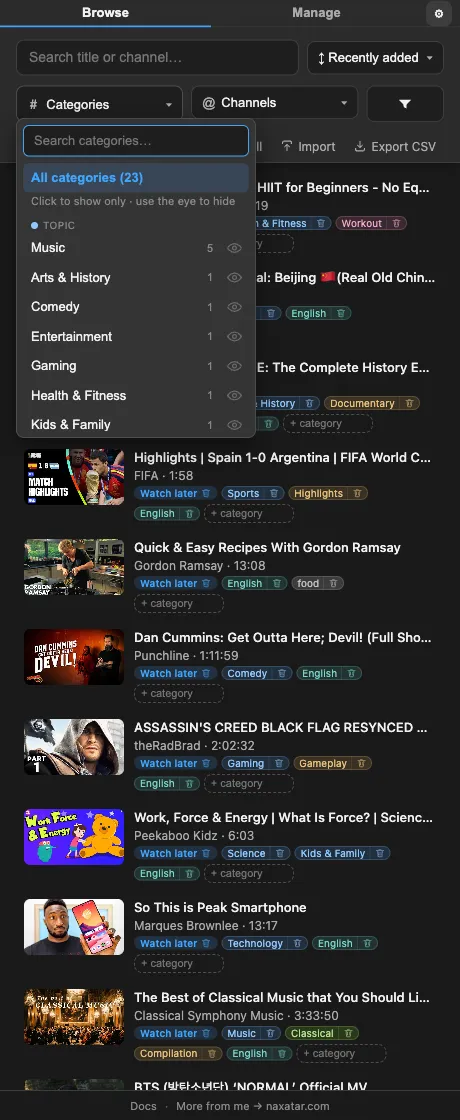
Use the Playlist, Category, and Channel filter pills at the top of Browse. The category picker lays its groups out as colour-tinted chips under group labels, so you see the whole taxonomy at once instead of scrolling one long list; playlists and channels list by name, and Watch Later, Liked videos and Liked Music carry their icons wherever they appear. You can also click a channel name, or a category/playlist chip on any row, to filter to it instantly, and click it again to clear. Stack filters to narrow thousands of videos down fast; the list scrolls back to the top whenever what it shows changes. A pill that is on shows how many values it includes in its top-left corner, how many it hides in the bottom-left, and the ✕ that clears it in the top-right.
Open the Categories or Channels filter and a “Narrow down” band sits at the top offering only the values still present in your current results, newest first, with counts scoped to those results. On a big scanned library that turns scrolling a hundred categories into picking from the handful that can still match. Every section is collapsible, and the filters you’ve actively picked stay open.
Yes. The eye icon beside each value in a filter’s menu flips it from “show only this” to “hide this,” pushing a category, channel, or source playlist out of view instead of narrowing to it. Shift-clicking a category, channel or playlist chip on a row does the same. Handy for setting aside things you don’t want to see.
Click the “More filters” funnel button. It opens with a Videos | Shorts choice and, once any verdicts exist, On YT Music | Not on YT Music, then Progress (how much of each video you have already watched), Saved In (how many playlists a video is in), length, age, views, likes and like rate (likes per view), a captions filter, and an availability filter for the rows YouTube has hidden or dropped (Unavailable and Overflow). Language sits with the categories. A badge shows how many extra filters are active, and the menu grows with the panel rather than scrolling in a small box. Since 1.38.0 progress, length, age, views, likes and like rate are bars that show how your videos spread across their steps: tap one to filter by it, drag across several to pick a range, and leave gaps to pick, say, short or very long videos. A short animation shows the gesture the first time.
Yes. “More filters” has a Progress filter whose bars step from Not started through 20%, 40%, 60%, 80% and 90% to Watched: tap one, or drag across several for a range. It reads the progress marker YouTube itself puts on a row — the same red bar you see under a thumbnail across YouTube — so it is YouTube’s own answer, never a guess from the length of a video. The 90% mark counts as watched, because end cards and credits are the stretch nobody sits through. Rows in the panel carry the same red bar, and hovering one gives the exact percentage. If your watch history is paused, YouTube tells the extension nothing, so the filter simply does not appear rather than claiming you have watched nothing. Exports gain a “Watched %” column.
With the Saved In filter under “More filters”: 1 playlist, or 2+ playlists. Narrow to a single playlist first and it answers the question worth asking about a long list — what in here have I already saved somewhere else? It counts distinct playlists, so a video sitting twice in the same playlist is not an overlap, and it only ever counts playlists you have scanned: an unscanned playlist can hide an overlap, never invent one. Pair it with Remove to clear out of Watch Later everything that already has a proper home.
Yes, and it never guesses. A Short in a playlist looks exactly like a video — same row, same /watch link, same thumbnail — and length is no help, since Shorts run to three minutes while plenty of two-minute uploads are ordinary videos. So the extension asks YouTube, using the playlist’s own Videos-only view, and for videos a sync has just added, where the /shorts/ link for that id lands. Anything not yet classified reads as a video, so nothing disappears while the pass catches up. Playlists made entirely of Shorts, Saved Shorts included, scan to the end of the list.
Saved Shorts and other Shorts-only playlists Yes. Every card has a small arrow that folds it down to a single line, and that arrow is one shared setting, so a single click quietens the whole list rather than making you work down it. Collapsed, a card keeps its playlist chip, a count of the categories it is holding back, and the button to add one, which fits seven cards on screen where five used to go, and hands the width back to long or collaborative channel names. If you are filtering by a category, that chip stays visible on every card even while the rest are folded away, so the list keeps explaining why each video matched. Your choice is remembered.
The Sort control offers Recently added (the default), newest and oldest upload, longest and shortest, most liked, likes-per-view ratio, and a random shuffle. Sorting applies to whatever the current filters have narrowed you to. The sort you pick stays picked: Browse opens on it after a browser restart and in every window, and clearing your filters leaves it alone.
Yes, since 1.31.0. Set up the list the way you want it (a search, a sort, any filters), then click the result count above the list and choose “Save current view.” It offers a name you can keep with Enter or type over. Clicking the count again lists your views, and one click on a name puts all of it back. While the list on screen is exactly a saved view, the count shows that view’s name; change anything and it says “edited,” with “Update” to overwrite the view and “Save as a new view” to keep both. Each view can be renamed or deleted from the same menu, and a delete has an Undo. If a view names a playlist that isn’t in your library right now, opening it skips that playlist and tells you, and the view itself keeps it. Each Google account keeps its own views, up to 50.